
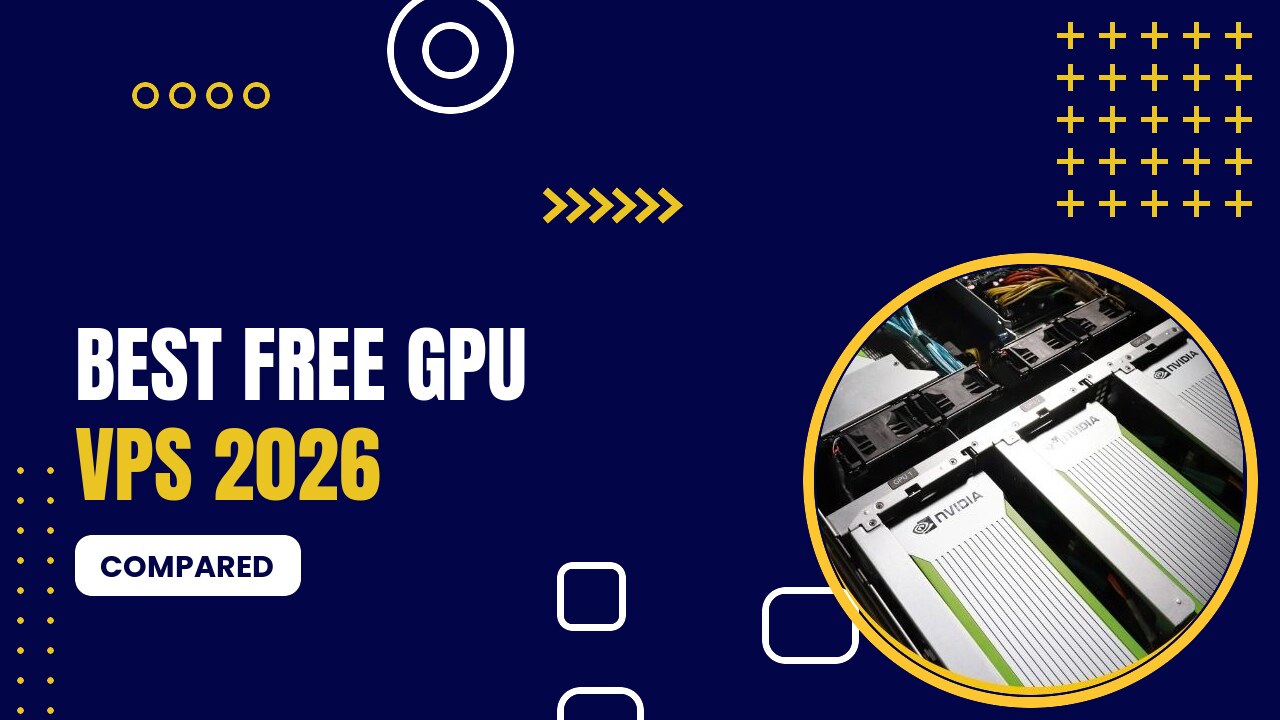
Want to use a GPU for free? In 2026 there is no truly free GPU VPS you can run 24/7, but there are several excellent free GPU notebooks and credit programs that are perfect for learning AI, running Stable Diffusion or testing open LLMs.
Table of Contents
Best Free GPU Options (2026)
| Service | GPU | Free Allowance | Best For |
|---|---|---|---|
| Kaggle | T4 ×2 or P100 (16 GB) | ~30 GPU hours/week | Learning, competitions |
| Google Colab | T4 (16 GB) | Dynamic limits, not guaranteed | Quick experiments |
| Lightning AI | Various | Free monthly credits | Persistent dev environments |
| Google Cloud | Any (credit) | $300 credit for new accounts | Trying cloud GPUs |
| RunPod / others | Various | Occasional promo credits | Short tests |
Free GPU Providers
1. Kaggle
- Free Jupyter notebooks with GPU
- About 30 GPU hours per week
- T4 or P100 (16 GB)
- Free: about 30 GPU hours per week (T4 or P100)
Pros
- Completely free
- Predictable weekly quota
- Datasets built in
Cons
- 9–12 hour sessions
- Not for hosting apps
Kaggle gives every verified user about 30 GPU hours per week on T4 or P100 GPUs, with sessions up to 9–12 hours. It is the most reliable free GPU in 2026.
2. Google Colab

- Free T4 GPU notebooks
- Paid Pay As You Go / Pro plans
- Google Drive integration
- Free tier with T4 (limited hours) · Pay As You Go and Pro plans for more
Pros
- Easiest free GPU to start
- Huge community
- Upgrade path to A100/L4
Cons
- Free limits change and are not guaranteed
- Sessions time out
Colab’s free tier gives you a T4 GPU when available, with sessions up to about 12 hours and weekly limits that change over time. Paid plans unlock more hours and faster GPUs.
3. Lightning AI
- Cloud Studios with GPUs
- Free monthly GPU credits
- VS Code and Jupyter in the browser
- Free monthly GPU credits · pay-as-you-go GPUs
Pros
- Free credits every month
- Persistent environments
- Easy to scale up
Cons
- Credits run out quickly on big GPUs
- Less known than Colab
Lightning AI Studios come with free monthly GPU credits and a persistent VS Code or Jupyter environment in your browser.
4. Google Cloud
- G2 (L4), A2 (A100), A3 (H100/H200), A4 (B200)
- Vertex AI managed deployments
- $300 free credit
- L4 from ~$0.70/hr on-demand · big discounts with Spot VMs · $300 free credit
Pros
- Enterprise-grade platform
- Managed AI services
- Spot VM discounts
Cons
- High on-demand prices
- GPU quotas need approval
New Google Cloud accounts receive $300 in free credit, which you can spend on GPU VMs (subject to quota approval).
When to Move to a Paid GPU
Free GPUs are great for learning, but they time out, cannot host a website or API, and have limited VRAM. When you need an always-on AI app, a cheap paid GPU is the next step: RunPod’s RTX A5000 costs $0.16/hour, and GPU Mart’s GPU VPS starts at $21/month.
FAQ
Not for 24/7 hosting. Free options like Kaggle and Google Colab give you GPU notebooks with time limits. For always-on hosting, paid GPU VPS plans start at $21/month.
About 30 hours per week on T4 or P100 GPUs.
Yes, in Kaggle or Colab notebooks, within their usage limits and terms.
Conclusion
Kaggle is the best free GPU in 2026 thanks to its predictable 30 hours per week; Google Colab is the easiest to start. When you outgrow free tiers, move to RunPod or a cheap GPU Mart VPS.
Prices were checked in September 2026 and change often. Always confirm current pricing on the provider’s website before you order.