
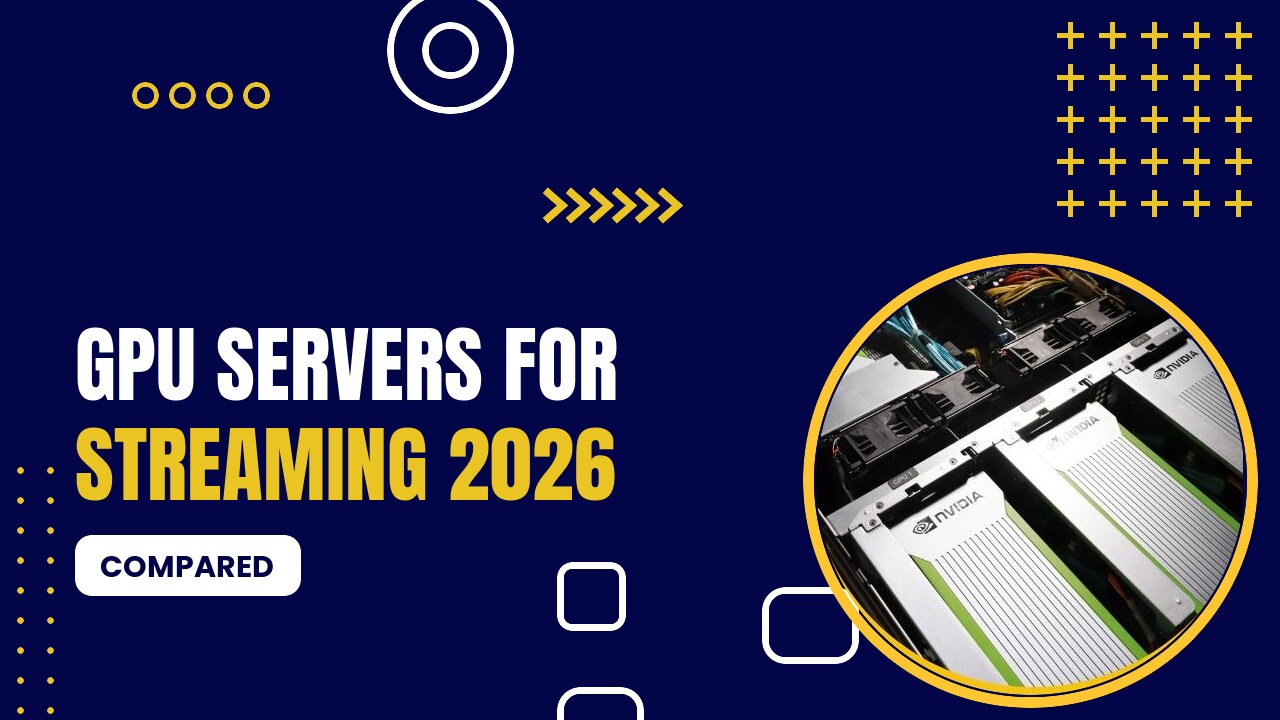
A GPU streaming server uses the graphics card’s hardware encoder (NVIDIA NVENC) to encode live video in real time: for Twitch/YouTube restreaming, Plex or Jellyfin transcoding, cloud gaming or video platforms. A GPU can handle many more streams than a CPU at a fraction of the power.
Table of Contents
Which GPU for Streaming?
| GPU | Encoder | Codecs | Good For | From |
|---|---|---|---|---|
| Quadro P1000 | Pascal NVENC | H.264, HEVC | A few 1080p streams | $37/mo |
| GTX 1650 / T1000 | Turing NVENC | H.264, HEVC (high quality) | OBS streaming, Plex | $65.45/mo |
| RTX 4060 | Ada NVENC | H.264, HEVC, AV1 | AV1 streaming, efficient | $149/mo |
| RTX 4090 | 2× Ada NVENC | H.264, HEVC, AV1 | Many simultaneous streams | $409/mo |
| L4 | Ada NVENC (data center) | H.264, HEVC, AV1 | Large-scale video platforms | $1.00/hr (OVHcloud) |
Best GPU Servers for Streaming
1. GPU Mart

- Dedicated GPU servers and GPU VPS (US)
- GPUs from P1000 to RTX 5090, RTX PRO 6000, A100 and H100
- One-click AI apps: Ollama, Stable Diffusion, ComfyUI
- GPU VPS from $21/mo · RTX 4090 $409/mo · RTX 5090 from $419/mo · A100 80GB $1,559/mo · H100 $2,099/mo
Pros
- Lowest monthly prices for dedicated GPUs
- Full root/admin access, Windows or Linux
- Multi-GPU servers available
Cons
- Monthly billing only
- US data centers only
Dedicated servers from the $37 P1000 to the RTX 4060 ($149, AV1) and RTX 4090 ($409), with unmetered bandwidth options and Windows support for OBS.
2. HOSTKEY

- GPU servers in the EU, UK and US
- RTX 4090, RTX 5090, RTX PRO 6000, A100, H100
- Pre-installed AI stack: Ollama, Open WebUI, ComfyUI
- GTX 1080 Ti from €70/mo · RTX 4090 €279/mo · RTX 5090 €590/mo · A100 80GB €1,300/mo · H100 €1,590/mo
Pros
- Hourly or monthly billing
- GDPR-friendly EU hosting
- Big-VRAM options
Cons
- Popular GPUs sell out
- Setup slower than cloud pods
EU GPU servers with high-bandwidth ports, RTX 4090 from €279/month.
3. OVHcloud

- L4, L40S, A10, V100S, H100, H200 instances
- Free inbound/outbound traffic
- EU-sovereign infrastructure
- Quadro RTX 5000 $0.60/hr · L4 $1.00/hr · L40S $1.80/hr · H100 $2.99/hr
Pros
- No bandwidth bills
- 99.99% SLA
- EU data residency
Cons
- Fewer GPU types
- Less developer-friendly console
L4 instances ($1.00/hour) have AV1 encoders and OVHcloud does not charge for traffic, a big deal for video.
Tips
- Choose Turing (GTX 1650/T1000) or newer for good NVENC quality; Ada (RTX 40-series, L4) adds AV1.
- Bandwidth matters as much as the GPU: check port speed and traffic limits.
- Consumer GeForce cards may limit the number of simultaneous NVENC sessions; professional cards (RTX A-series, L4) do not have this limit.
FAQ
For one stream a CPU can work, but a GPU encodes many streams in real time with low CPU usage.
RTX 40-series (for example RTX 4060) and data-center L4/L40S GPUs support AV1 encoding.
Conclusion
For affordable streaming servers, GPU Mart offers the best range; for large video platforms, OVHcloud’s L4 with free traffic is hard to beat.
Prices were checked in September 2026 and change often. Always confirm current pricing on the provider’s website before you order.