
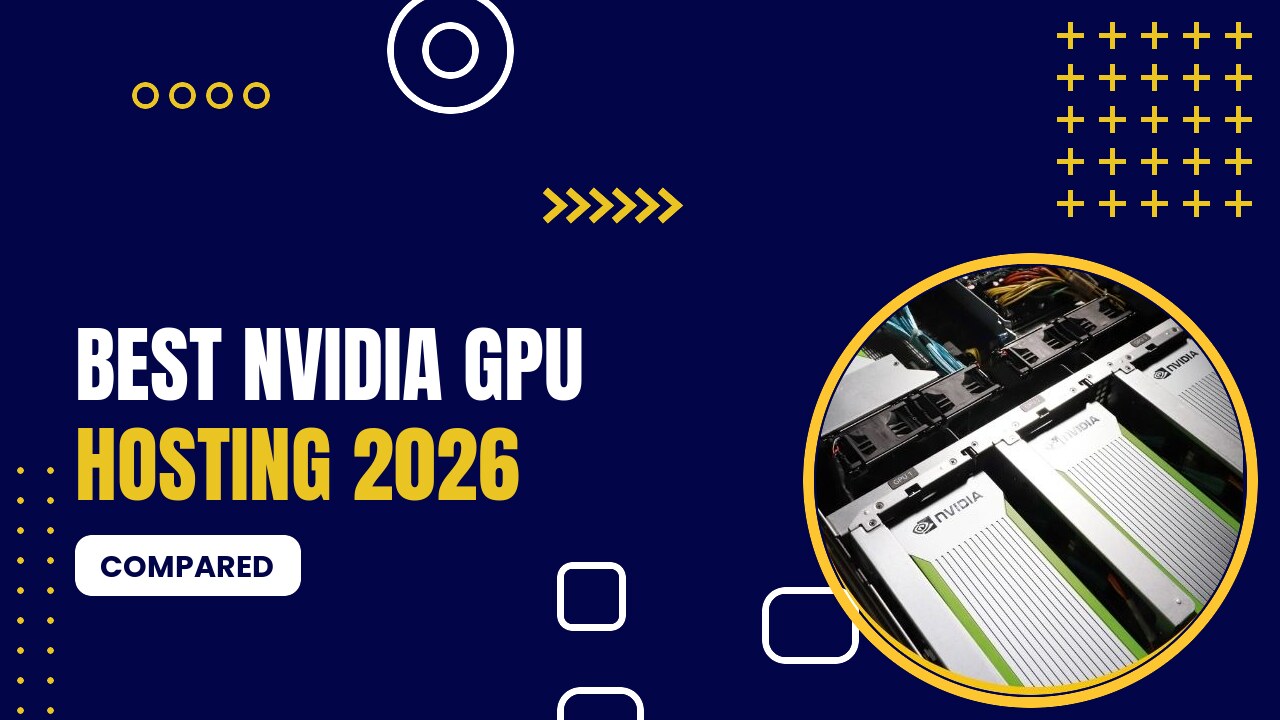
NVIDIA GPU hosting gives you remote access to NVIDIA graphics cards, from budget Quadro and GeForce cards to data-center H100, H200 and B200 GPUs, for AI, rendering, gaming and scientific computing. NVIDIA dominates GPU hosting because CUDA is supported by nearly every AI framework.
Table of Contents
Which NVIDIA GPU Should You Host?
| GPU | VRAM | Best For | Price From |
|---|---|---|---|
| Quadro P1000 / T1000 | 4–8 GB | Emulators, CAD, streaming | $37/mo |
| RTX 4060 / 5060 | 8 GB | Gaming, small AI models | $85/mo (VPS) |
| RTX A4000 | 16 GB | Stable Diffusion, 14B LLMs | $119/mo |
| RTX 4090 | 24 GB | 27–32B LLMs, Flux, rendering | $0.34/hr · €279/mo |
| RTX 5090 | 32 GB | Fastest consumer AI GPU | $0.69/hr · $419/mo |
| RTX A6000 / A40 | 48 GB | 70B LLMs (4-bit) | $0.33/hr · $409/mo |
| RTX PRO 6000 | 96 GB | Large models on one GPU | $649/mo |
| A100 80GB | 80 GB | Training, 70B in 8-bit | $1.19/hr |
| H100 | 80 GB | Large LLM training and inference | $1.99/hr |
| H200 / B200 | 141 / 180 GB | Frontier-size models | $3.59 / $5.98/hr |
See our detailed guides for the RTX 4090, RTX A6000, A100 and RTX A4000.
Best NVIDIA GPU Hosting Providers
1. GPU Mart

- Dedicated GPU servers and GPU VPS (US)
- GPUs from P1000 to RTX 5090, RTX PRO 6000, A100 and H100
- One-click AI apps: Ollama, Stable Diffusion, ComfyUI
- GPU VPS from $21/mo · RTX 4090 $409/mo · RTX 5090 from $419/mo · A100 80GB $1,559/mo · H100 $2,099/mo
Pros
- Lowest monthly prices for dedicated GPUs
- Full root/admin access, Windows or Linux
- Multi-GPU servers available
Cons
- Monthly billing only
- US data centers only
From Quadro P1000 ($37/month) to RTX 5090, RTX PRO 6000, A100 and H100 ($2,099/month).
2. HOSTKEY

- GPU servers in the EU, UK and US
- RTX 4090, RTX 5090, RTX PRO 6000, A100, H100
- Pre-installed AI stack: Ollama, Open WebUI, ComfyUI
- GTX 1080 Ti from €70/mo · RTX 4090 €279/mo · RTX 5090 €590/mo · A100 80GB €1,300/mo · H100 €1,590/mo
Pros
- Hourly or monthly billing
- GDPR-friendly EU hosting
- Big-VRAM options
Cons
- Popular GPUs sell out
- Setup slower than cloud pods
RTX 4090 (€279), RTX 5090 (€590), RTX PRO 6000, A100 and H100 servers.
3. RunPod

- Per-second billing in 30+ regions
- Templates: vLLM, ComfyUI, PyTorch, Ollama, Jupyter
- Serverless AI endpoints
- RTX 3090 $0.22/hr · RTX 4090 $0.34/hr · A100 $1.19/hr · H100 $1.99/hr · H200 $3.59/hr (Community Cloud)
Pros
- Very cheap consumer GPUs
- Huge GPU choice up to B200
- Fast start-up
Cons
- Storage billed when stopped
- Community hosts vary
RTX A5000 to B200 by the second.
4. Lambda

- On-demand GPU cloud built for AI
- Lambda Stack pre-installed
- 1× to 8× GPU instances and clusters
- A6000 $1.09/hr · A100 40GB $1.99/hr · GH200 $2.29/hr · H100 SXM from $3.99/hr · B200 from $6.69/hr
Pros
- Reliable data-center GPUs
- No egress fees
- Simple pricing
Cons
- GPUs can sell out
- No monthly servers
A6000, A100, GH200, H100 and B200 with Lambda Stack.
5. OVHcloud

- L4, L40S, A10, V100S, H100, H200 instances
- Free inbound/outbound traffic
- EU-sovereign infrastructure
- Quadro RTX 5000 $0.60/hr · L4 $1.00/hr · L40S $1.80/hr · H100 $2.99/hr
Pros
- No bandwidth bills
- 99.99% SLA
- EU data residency
Cons
- Fewer GPU types
- Less developer-friendly console
L4, L40S, V100S, H100 and H200 instances with free traffic.
FAQ
For most people the RTX 4090 (24 GB) or RTX 5090 (32 GB). For 70B models choose 48–80 GB (RTX A6000, A100), and for training large models the H100 or H200.
For AI, NVIDIA has the broadest software support through CUDA. AMD Instinct GPUs (MI300X) offer lots of memory and are supported by PyTorch and vLLM via ROCm.
Conclusion
For monthly NVIDIA servers, choose GPU Mart or HOSTKEY; for hourly use, RunPod and Lambda.
Prices were checked in September 2026 and change often. Always confirm current pricing on the provider’s website before you order.