
Oobabooga is the nickname of the developer behind Text Generation WebUI, and the name most people use for the app itself. This guide shows how to run it, load an open AI model and use it for chat, roleplay, coding help or as a local API.
Table of Contents
Why Use Oobabooga?
- Runs open LLMs privately on your own PC or server
- Supports many backends (llama.cpp, Transformers, ExLlama)
- Chat, notebook and instruct modes
- OpenAI-compatible API and extensions (TTS, web search, image generation)
Step 1: Install
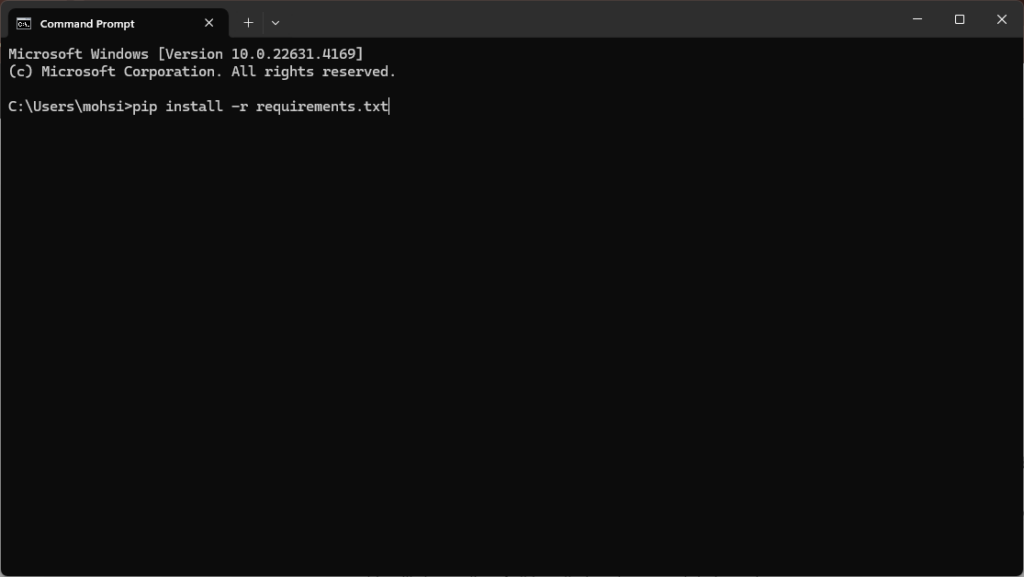
Follow our Text Generation WebUI install guide, or in short:
git clone https://github.com/oobabooga/text-generation-webui
cd text-generation-webui
# Windows
start_windows.bat
# Linux
./start_linux.sh
# macOS
./start_macos.sh
Step 2: Download a Model
In the Model tab, download a GGUF model that fits your GPU:
| VRAM | Suggested model (Q4_K_M GGUF) |
|---|---|
| 8 GB | Llama 3.1 8B, Qwen 3.5 9B |
| 16 GB | Gemma 4 12B, Ministral 3 14B |
| 24 GB | Gemma 4 31B, Qwen 27B |
| 48 GB | Llama 3.3 70B |
Step 3: Load and Chat
- Pick the model and the llama.cpp loader.
- Set n-gpu-layers to the maximum to use your GPU.
- Click Load, then chat in the Chat tab.
Step 4: Useful Flags
# listen on the network, enable the API
./start_linux.sh --listen --api
Only use --listen on a trusted network or behind a password-protected proxy.
Troubleshooting
- Very slow: the model is running on CPU; raise GPU layers or choose a smaller model.
- Out of memory: reduce context length or use a smaller quantization.
Run Oobabooga in the Cloud
No powerful GPU at home? You can run Oobabooga on a rented GPU server instead. RunPod and Vast.ai have ready templates on RTX 4090s (about $0.30–$0.34/hour). For a fixed monthly price, GPU Mart (RTX A4000 VPS from $119/month, RTX 4090 $409/month) and HOSTKEY (RTX 4090 from €279/month) offer dedicated servers you can keep running 24/7.
FAQ
Yes. Oobabooga is the developer; the project is text-generation-webui.
Yes, with GGUF models, but a GPU is much faster.
Conclusion
Oobabooga is a flexible way to run open AI models locally or on a GPU server. For a simpler desktop app, try LM Studio; for a server, see Ollama hosting.