
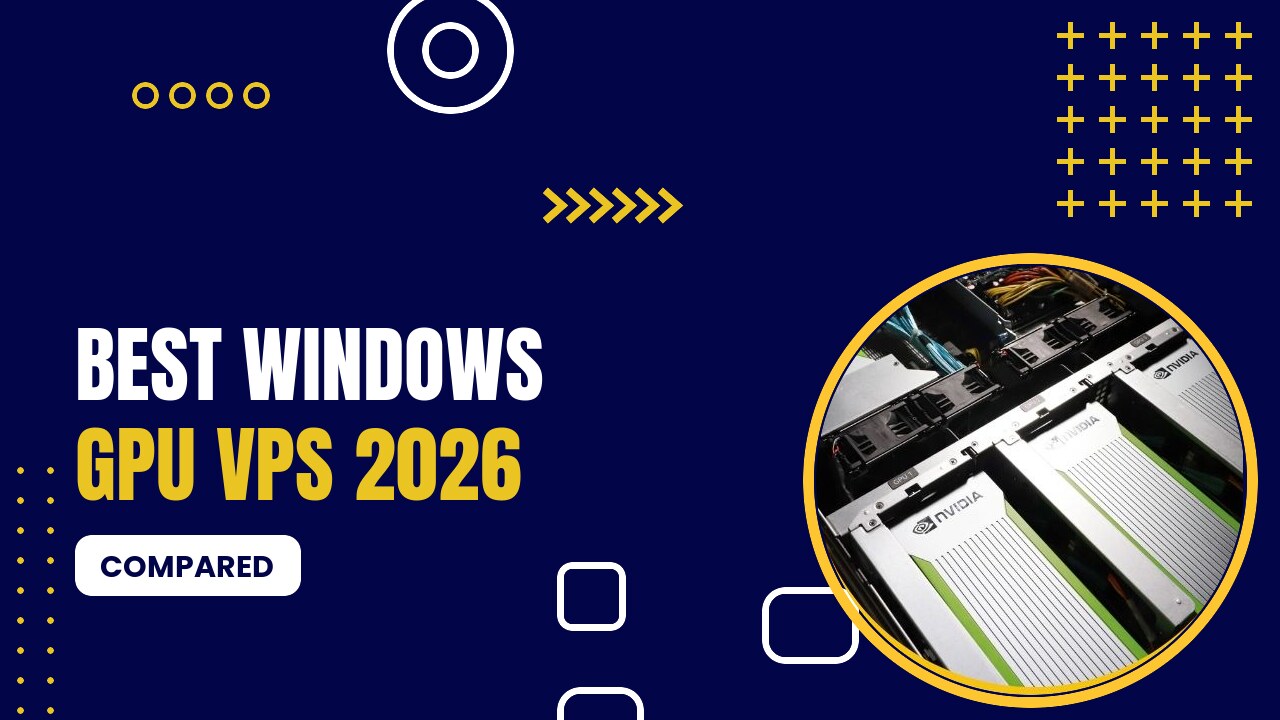
A Windows GPU VPS is a Windows Server machine with a dedicated or virtual graphics card. It is the right choice for Windows-only apps: Android emulators like BlueStacks and LDPlayer, trading platforms, CAD and 3D software, video editing and GPU-accelerated remote desktops.
Table of Contents
Quick Comparison: Best Windows GPU VPS (2026)
| Provider | Best GPU for This | Starting Price | Billing | Best For |
|---|---|---|---|---|
| GPU Mart | P1000 → RTX 5090, Windows ready | $21/month | Monthly | Cheapest Windows GPU servers |
| HOSTKEY | GTX 1080 Ti → H100 | €70/month | Hourly & monthly | Windows GPU in the EU |
| OVHcloud | Quadro RTX 5000, L4, L40S | $0.60/hour | Hourly | Windows GPU cloud instances |
| Google Cloud | L4, A100 with GRID drivers | ~$0.70/hour (L4) | Hourly | Enterprise Windows workstations |
Best Windows GPU VPS Providers
1. GPU Mart

- Dedicated GPU servers and GPU VPS (US)
- GPUs from P1000 to RTX 5090, RTX PRO 6000, A100 and H100
- One-click AI apps: Ollama, Stable Diffusion, ComfyUI
- GPU VPS from $21/mo · RTX 4090 $409/mo · RTX 5090 from $419/mo · A100 80GB $1,559/mo · H100 $2,099/mo
Pros
- Lowest monthly prices for dedicated GPUs
- Full root/admin access, Windows or Linux
- Multi-GPU servers available
Cons
- Monthly billing only
- US data centers only
GPU Mart supports Windows Server on most GPU VPS and dedicated plans, from the $21/month Express GPU VPS to RTX 4090 and RTX 5090 servers.
2. HOSTKEY

- GPU servers in the EU, UK and US
- RTX 4090, RTX 5090, RTX PRO 6000, A100, H100
- Pre-installed AI stack: Ollama, Open WebUI, ComfyUI
- GTX 1080 Ti from €70/mo · RTX 4090 €279/mo · RTX 5090 €590/mo · A100 80GB €1,300/mo · H100 €1,590/mo
Pros
- Hourly or monthly billing
- GDPR-friendly EU hosting
- Big-VRAM options
Cons
- Popular GPUs sell out
- Setup slower than cloud pods
HOSTKEY can install Windows Server on its GPU servers, with EU data centers and hourly or monthly billing.
3. OVHcloud

- L4, L40S, A10, V100S, H100, H200 instances
- Free inbound/outbound traffic
- EU-sovereign infrastructure
- Quadro RTX 5000 $0.60/hr · L4 $1.00/hr · L40S $1.80/hr · H100 $2.99/hr
Pros
- No bandwidth bills
- 99.99% SLA
- EU data residency
Cons
- Fewer GPU types
- Less developer-friendly console
OVHcloud GPU instances can run Windows images (licence extra), starting at $0.60/hour.
4. Google Cloud

- G2 (L4), A2 (A100), A3 (H100/H200), A4 (B200)
- Vertex AI managed deployments
- $300 free credit
- L4 from ~$0.70/hr on-demand · big discounts with Spot VMs · $300 free credit
Pros
- Enterprise-grade platform
- Managed AI services
- Spot VM discounts
Cons
- High on-demand prices
- GPU quotas need approval
Google Cloud offers Windows VMs with NVIDIA RTX Virtual Workstation drivers on L4 and other GPUs.
What Can You Run on a Windows GPU VPS?
- BlueStacks and LDPlayer Android emulators (see our emulator guide)
- CAD and 3D (AutoCAD, SolidWorks, 3ds Max, Blender)
- Video editing and encoding (Premiere Pro, DaVinci Resolve)
- Windows AI tools like Stable Diffusion WebUI, Fooocus and LM Studio
FAQ
GPU Mart and HOSTKEY support Windows on GPU servers; OVHcloud and Google Cloud offer Windows GPU instances with licence fees. Most AI clouds like RunPod are Linux-only.
It depends on the provider. Check whether Windows Server licensing is included or billed extra.
Conclusion
GPU Mart is the cheapest way to get a Windows GPU server in 2026, and HOSTKEY is the best EU option.
Prices were checked in September 2026 and change often. Always confirm current pricing on the provider’s website before you order.